
How to Turn Your TV Into a Window
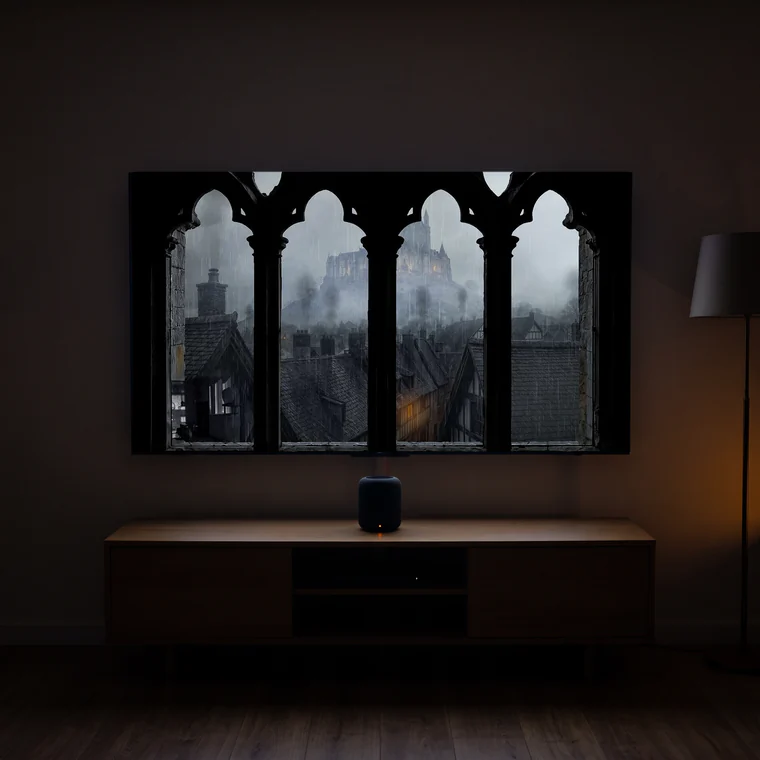
A TV is the easiest way to add a window to a room that doesn't have one. With a 4K window view, the right placement and a few settings, a flat screen reads as a real view to the outside. Here's exactly how to do it.
What you need
Any TV (the bigger, the better), a way to play video on it, the YouTube app, a phone to cast, or a USB/media player for offline files, and a calm 4K window view to play. That's it; no special hardware is required.
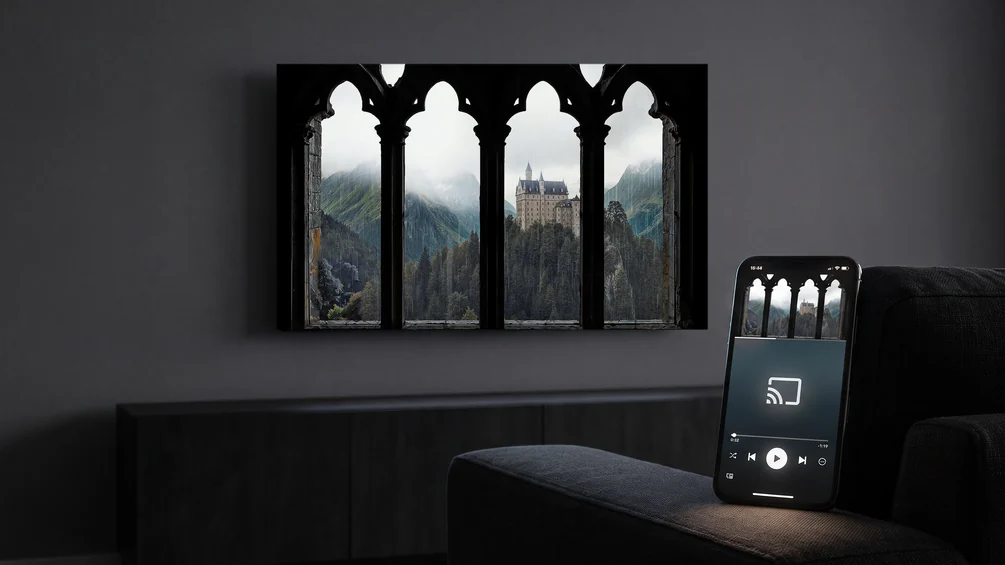
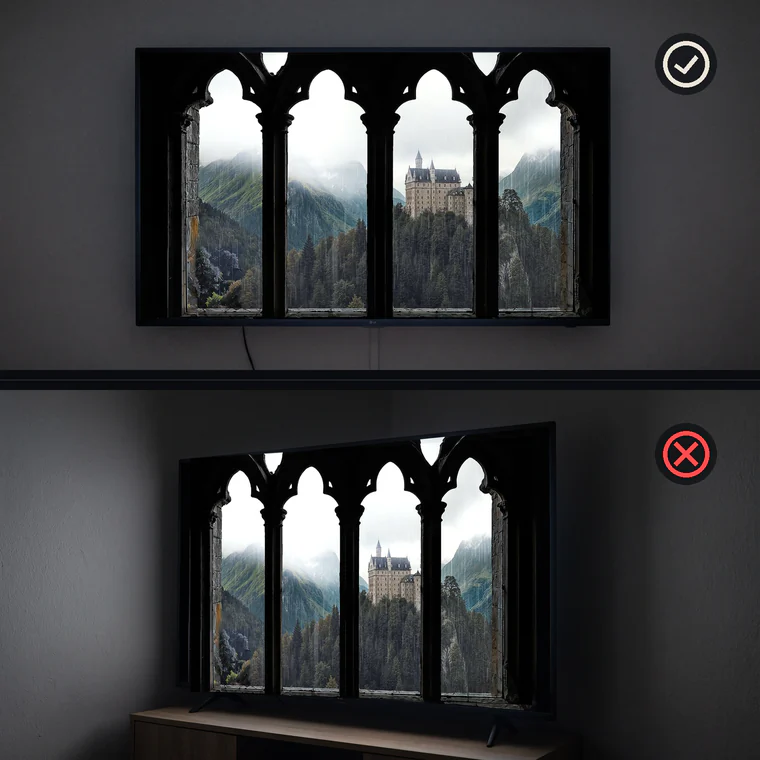
Step 1: Mount or place the TV like a window
Windows sit on the wall, not on a stand in the corner. Wall-mounting the TV, ideally in a deep or flush frame, instantly makes it read more like a window. If you can't mount it, place it against a wall at roughly eye level rather than low on a cabinet.
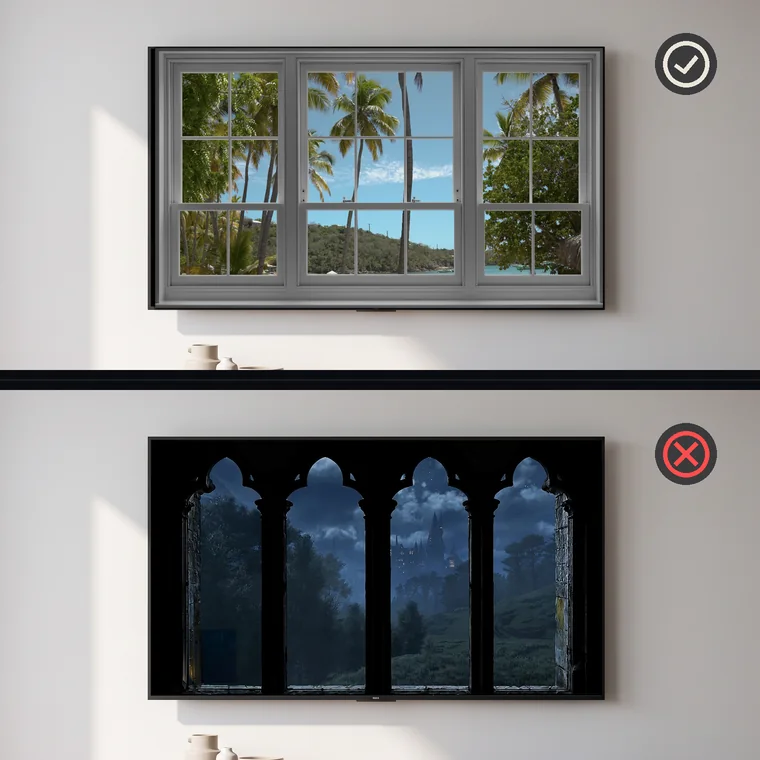
Step 2: Pick a scene that matches your room's light
Match the view to the time and light. A bright beach or forest suits a daylit room; a rainy or night city suits evenings. A mismatch (a bright noon beach in a dark room at midnight) breaks the illusion, so switch scenes as the day changes.
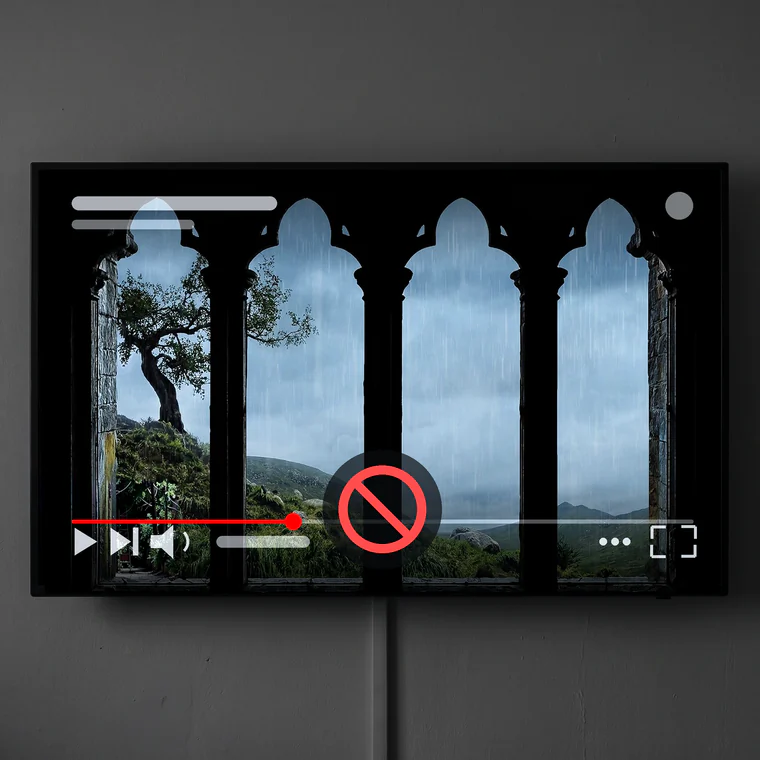
Step 3: Play it full-screen and hide the interface
Play the view full-screen so no menus, titles or progress bars show. In the YouTube app, tap to hide controls; for a permanent setup, an offline file on a media player avoids any on-screen clutter entirely.
Step 4: Add sound and dim the room
Turn on the natural ambience at a low, steady level, rain or waves do a lot of the work. Then dim the room lights slightly so the screen's glow reads as daylight or streetlight coming through a window.
Frequently asked questions
Does the TV need to be 4K?
No, but 4K looks sharper up close and holds the illusion better on larger screens. A 1080p TV still works well from a normal viewing distance.
Can I leave it on all day?
Yes. Use a long or 8-hour view, keep brightness moderate, and on OLED keep pixel-shift protections on.