
How to Use 4K Window Views Offline
Download once, then play your window view offline on any TV or projector, no ads, no internet and full 4K. Here are the 6 simple steps, and you only do this once.
Streaming is convenient, but for an always-on window, or a room with no good connection, offline playback is better: instant, ad-free and at full 4K. You only set this up once, then the view plays on repeat on any TV or projector. Here is exactly how.
Step 1: Download your pack
After your purchase, download the .zip file from your Gumroad library. It is a one-time download and the files are yours to keep and re-download anytime.

Step 2: Unzip it
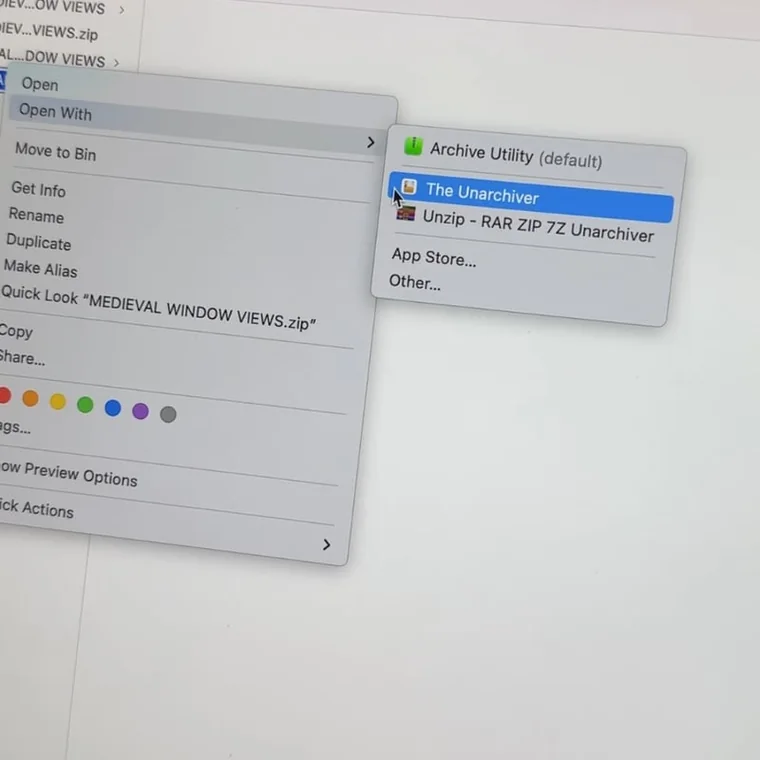
Right-click the .zip and choose "Open With" your unzip tool (for example The Unarchiver, or your computer's built-in one). You get a folder with the 4K .mp4 videos inside.
Step 3: Copy to a USB stick
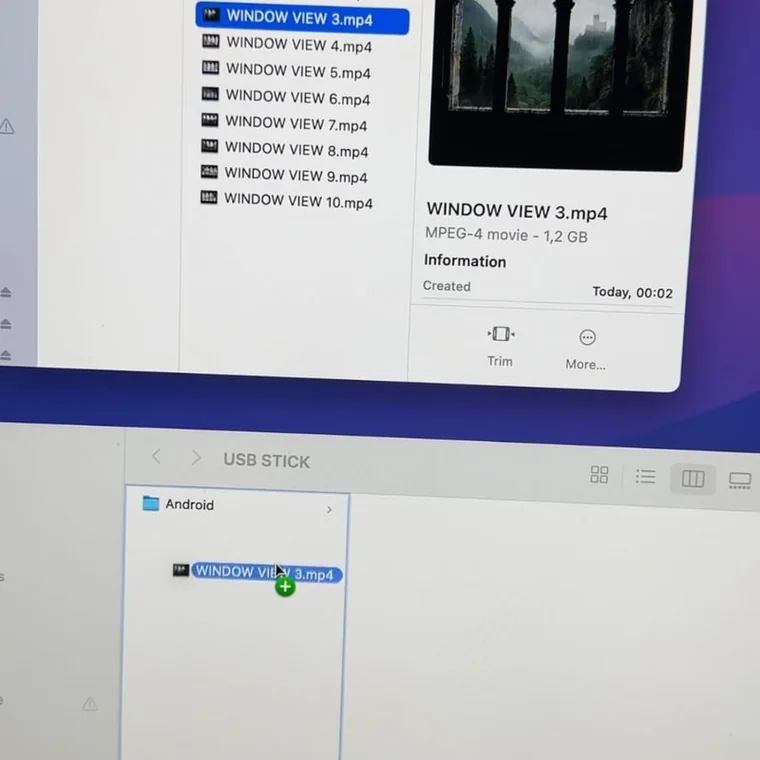
Drag the .mp4 files onto a USB stick or SD card. An empty stick works on almost any TV or projector, with no app or account needed.
Step 4: Plug in the USB
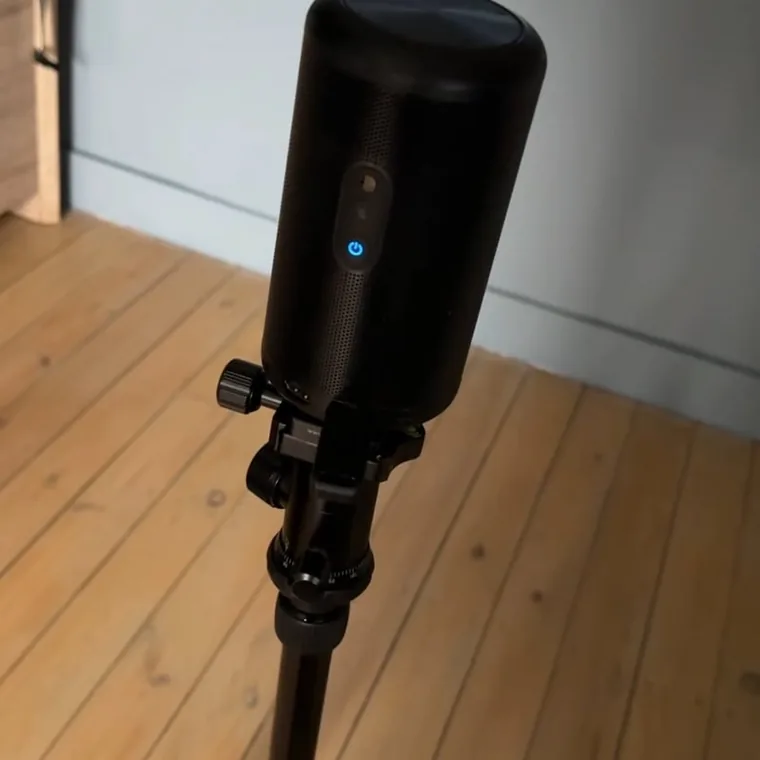
Put the USB into your TV or projector and switch to that input. It works the same whether you use a big screen or project onto a wall.
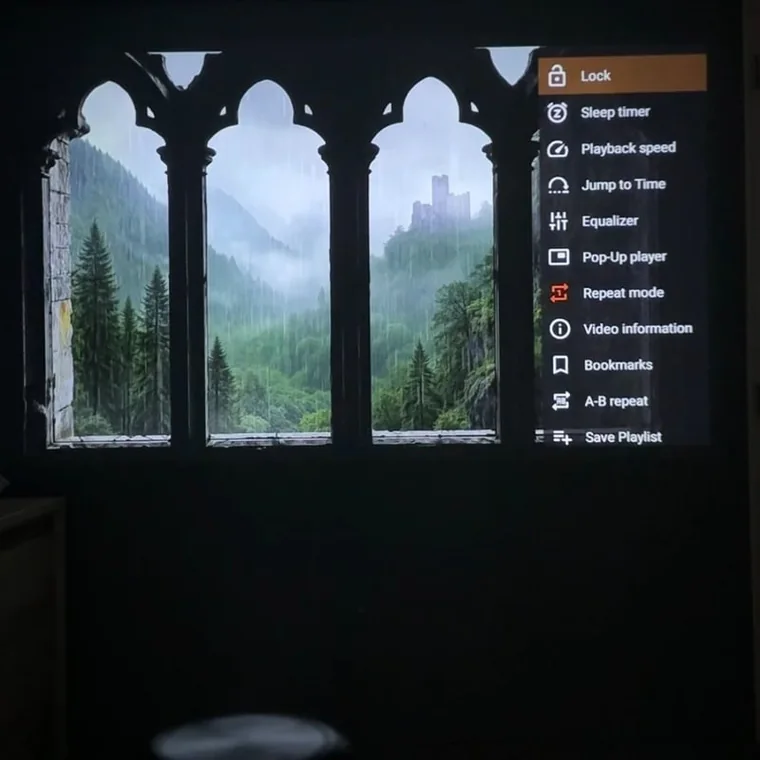
Step 5: Open it in VLC
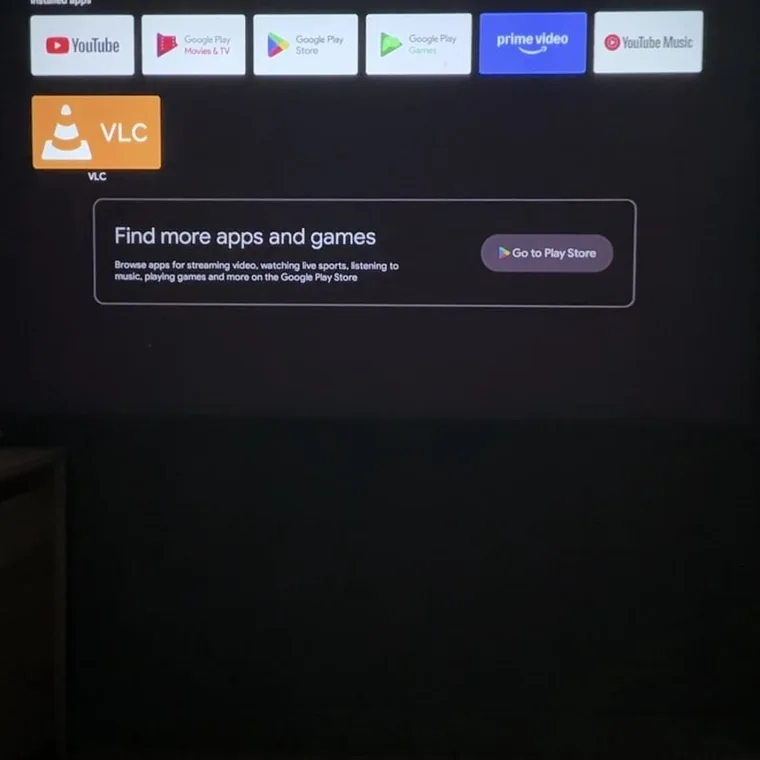
Install the free VLC app, open it and select your video. VLC plays every format in crisp 4K, so you never have to worry about an unsupported file.
Step 6: Loop it and enjoy
In VLC, turn on Repeat mode so the view plays on an endless loop. Set the natural sound low or mute it, then sit back. Your window to another world is ready.
Frequently asked questions
Do I need internet after downloading?
No. Once the files are on your device, playback is fully offline, no connection, ads or buffering.
What devices play the offline files?
Anything that plays standard video: TVs with USB, media players, laptops and most projectors.
Which app should I use to play the files?
We recommend the free VLC player. It plays every format in full 4K and has a Repeat mode for endless looping, on a TV, projector, laptop or phone.